A secure, easy-to-use developer panel
Built for developers, with Podman Rootless deeply integrated to build a solid permission moat without root. We redefined the ops experience so development, testing and deployment are one click away.
- Runs without root, avoiding the "one vulnerability = whole machine" failure chain
- Cleaner isolation and least-privilege design reduce system-level risk from mistakes
- A higher default security baseline, ideal for long-running public services
- Automatic SSL certificate issuance and renewal for effortless site launch
- Automatic website and reverse-proxy management, ready out of the box
- CI/CD pipelines and visual database management for smoother daily maintenance
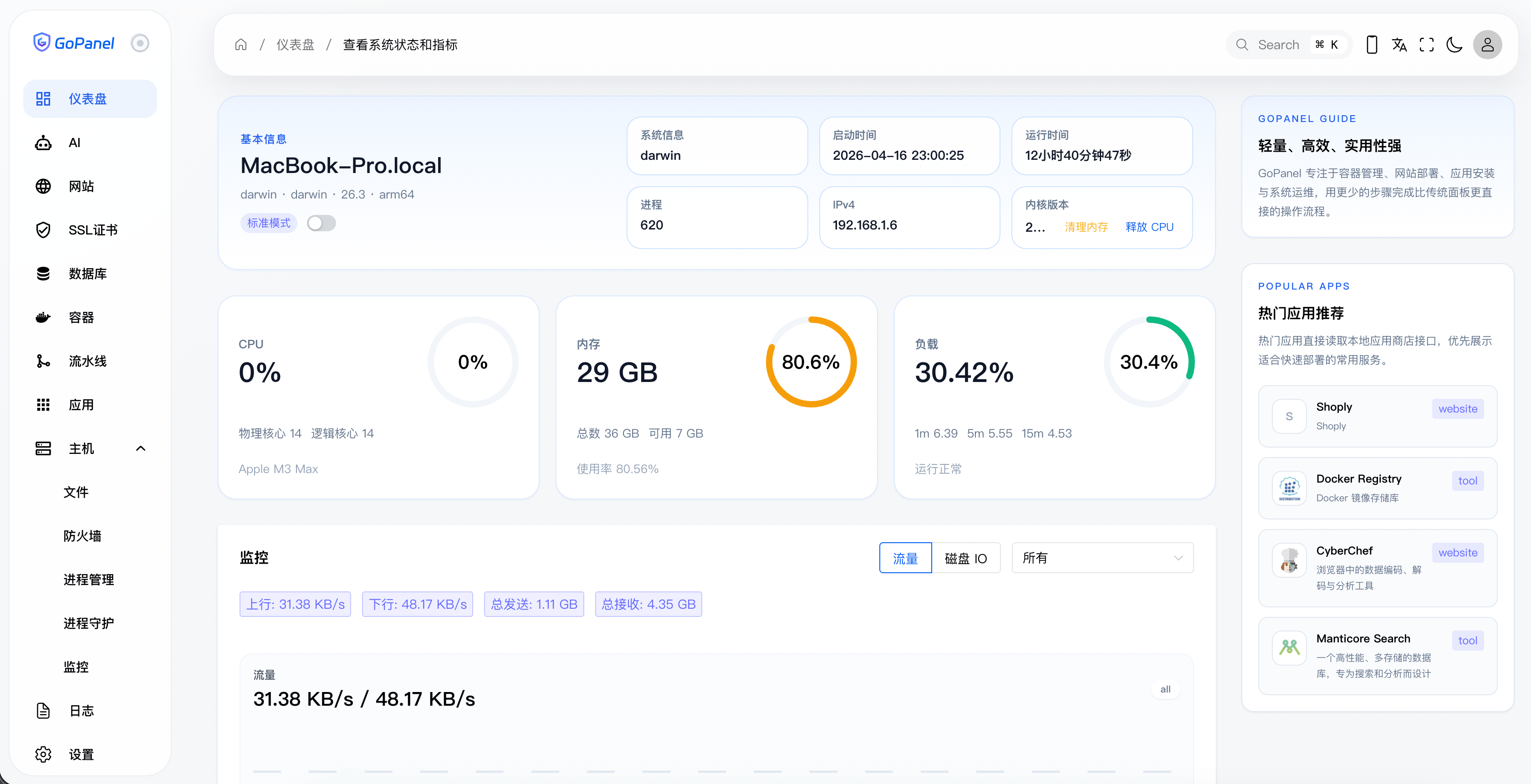
A rich app store
A curated set of quality open-source apps with one-click deployment to meet every business need and build a complete app ecosystem fast.
- Cross-platform nodes
- 1,722K+
- Pipeline runs
- 34.9K
- Available apps
- 150+
- Auto-renewed certs
- 5M+
Powerful features
Fully embrace the modern full-stack workflow and make server management, CI/CD and team collaboration smarter and more efficient than ever.
Cross-platform support
Runs on Linux, Windows, macOS and other mainstream operating systems without code changes.
AI-driven collaboration
Use the AI assistant to deploy and manage your apps quickly, with no manual work.
Automated CI/CD pipelines
Automatically build, test and deploy your apps, with no manual work.
A rich app ecosystem
Supports many app types, including web apps, mobile apps and APIs.
An easy install experience
Install and run GoPanel on your server in just a few simple steps.